 ) on the Annotation tab.
Individual comma separated value (.csv), seismic SEG P1, and annotation files saved using AccuMap can be converted to shapefile format. Once converted, they can be attached to maps and can also be opened in other applications that accept shapefile format.
Annotations can also be converted to shapefile format by selecting the annotation(s) and clicking Shapefiles () on the Annotation tab.
The Import Manager Welcome dialog box appears.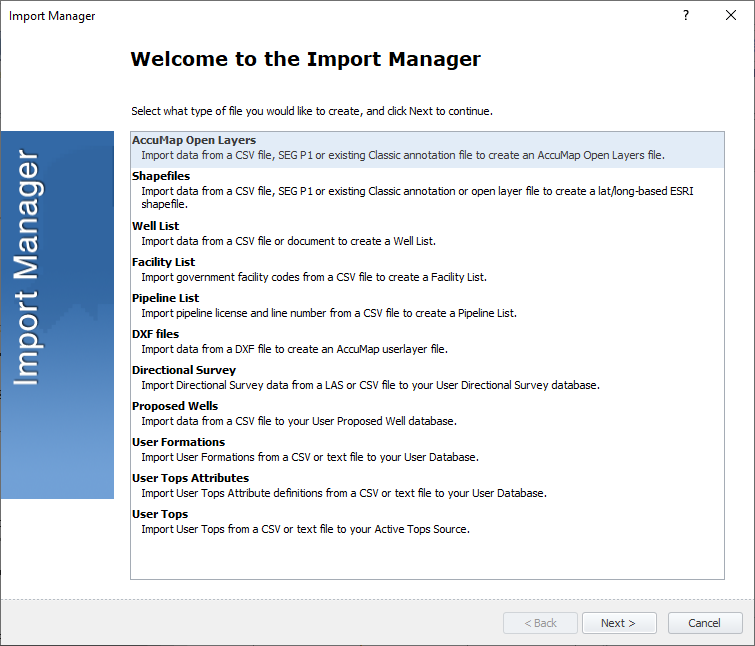
The Shapefiles Input File dialog box appears.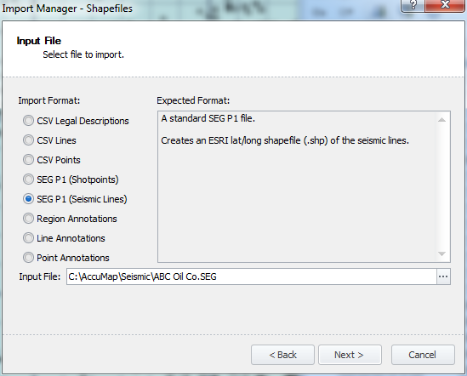
The Shapefiles Output File dialog box appears.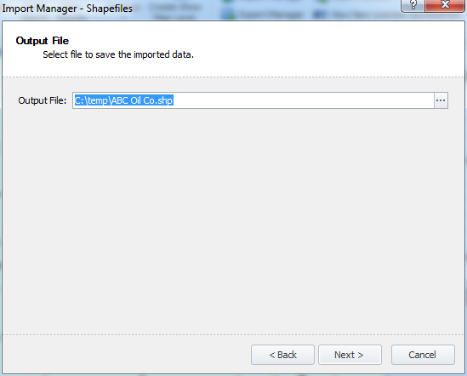
The Shapefiles Ready to Import dialog box appears.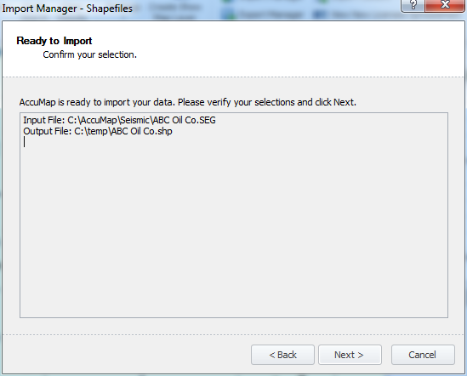
The Shapefiles Importing dialog box appears.
The Shapefiles Import Complete dialog box appears.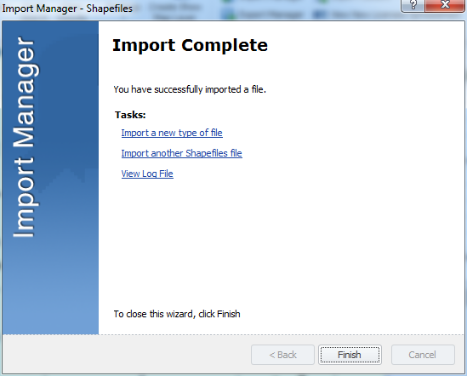
The file is automatically saved in the current map directory with .cll, .clx, .shp, .shx, .dbf , .log, and .prj extensions.
 Related Topics