 ).
).Using Import Manager, import DXF files created in AutoCAD versions 2000 and later into AccuMap. Points, lines (including multi-segment), polygons, circles, text (including multi-line), and blocks are converted into AccuMap user layer format. AutoCAD colors are converted to true color. Fills are converted to transparent. Where an equivalent AccuMap line style that matches the AutoCAD line style isn't available in AccuMap, the line style is converted to solid style. Text is sized according to the current map scale. Where the AutoCAD font is not installed on the current PC, the font is displayed in Arial. The text box is sized 10% larger than the point size of the font.
Upon conversion, the imported files appear under the User Layer node in the Layer Legend.
).The Import Manager Welcome dialog box appears.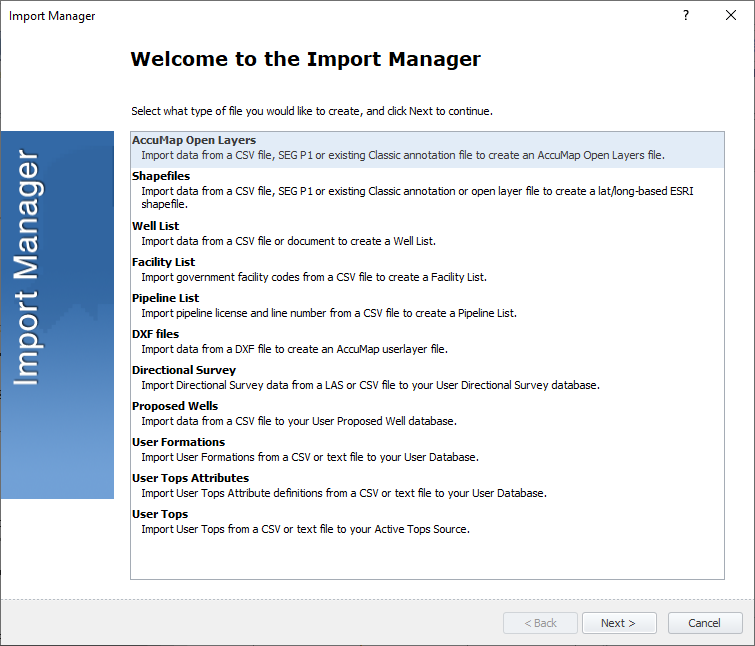
The DXF Files Input File dialog box appears.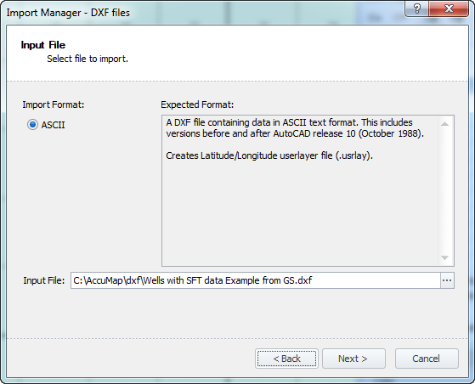
The DXF Files Import Options dialog box appears.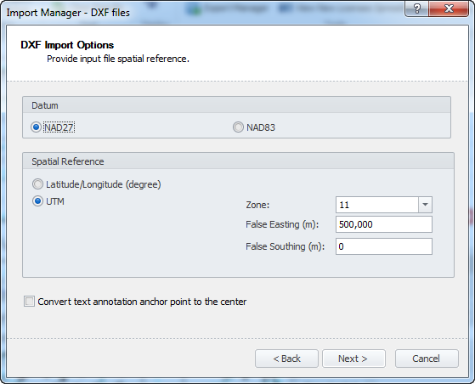
The DXF Output File dialog box appears.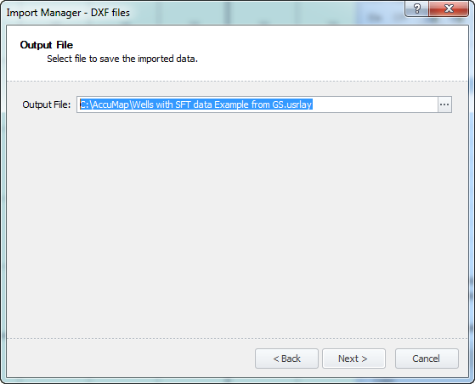
The DXF Ready to Import dialog box appears, displaying the options you selected.
The DXF Import Data dialog box appears displaying the status of the import process.
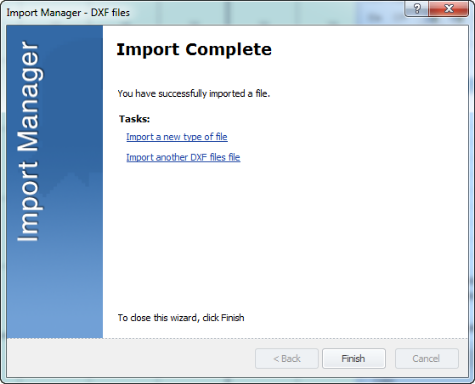
The imported file appears under the User Layer node in the Layer Legend.
 Related Topics