 ).). This option isn't available when more than one item is selected in the Data Navigator pane.
Export data from AccuMap into Petra using an automated process that prompts you for AccuMap export details, launches Petra, and then prompts you for Petra import details. The spatial extents of the data are defined by the bounding wells in the list. Data includes well, production, grid, culture, Open Layers, and shapefile data in NAD83 or NAD27 format.
).). This option isn't available when more than one item is selected in the Data Navigator pane.The Export Manager (Petra) dialog box appears.
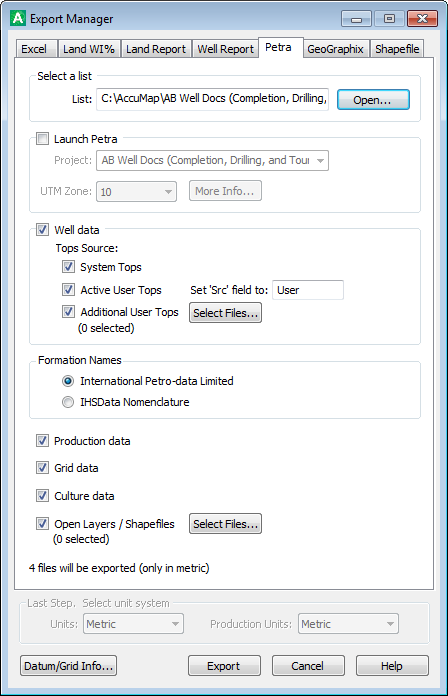
To add Open Layers or shapefiles data, click Select Files to display the Open Layers / Shapefiles dialog box. The extents of the exported data are clipped by the extents of the well list specified above and written as new Open Layers or shapefiles. AccuMap prompts you for the name of the new clipped Open Layers file or shapefile.
 Related Topics