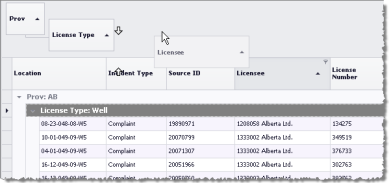
Sort the values in various columns by dragging column headers to sort into the Group By box that appears above the table.
In the Group By Box pane, hierarchy runs from left to right where the left-most column becomes the parent and sorts all rows in the entire Browse list. The column right of it becomes its child and sorts the individual rows within each parent. If you drag a third column into the Group By Box, it becomes a child of the child to its left and so on. You can change the hierarchy of any column within the Group By Box pane by dragging that column either left or right of another column.
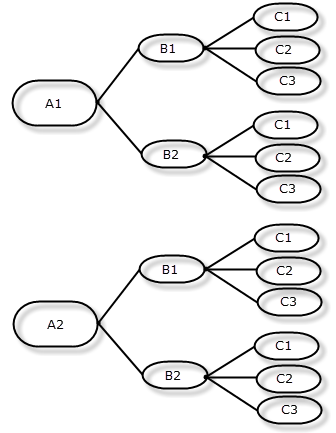
Right-click the Group-By box to expand or contract the sorted nodes in the table below, or to remove the grouping. You can also simply drag the column from the Group-By box back into the table to remove the grouping, or to hide the Group-By box entirely.