Typing Map Location Coordinates
Change the center point of the map window by typing Lat/Long, DLS, or NTS coordinates for either the desired center point or for a range for which you define coordinates for the top-left and bottom-right coordinate for a range.
To type map location coordinates
- With the Navigation tab of the Ribbon, click Change Location (
 ).
).
OR
Click the Lat/Long box that appears in the bottom-right of the map window as depicted below.
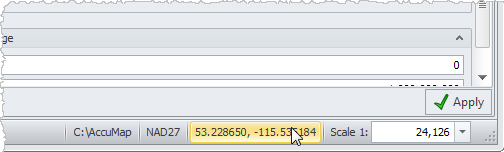
The dialog box appears.
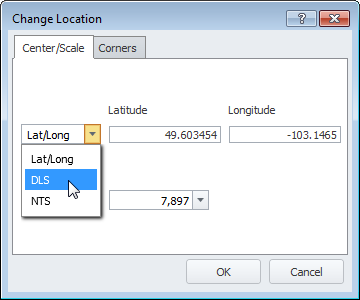
- Select either Center/Scale or Corners depending on whether to specify a center point or the top-left and bottom-right corner of a range.
- Select the survey type from the drop-down list and type the desired coordinates.
- If using the Center/Scale tab, select a display scale from the drop-down list.
- Click OK.
 Related Topics