Multi-Segment Decline
A multi-segment decline analysis can be linked to other analyses or viewed / copied in the Forecast Worksheet.
Creating a Multi-Segment Decline Analysis
To create a multi-segment decline analysis:
1. Launch an entity for analysis.
2. Click the Decline thumbnail; then select the type of worksheet you want to create.
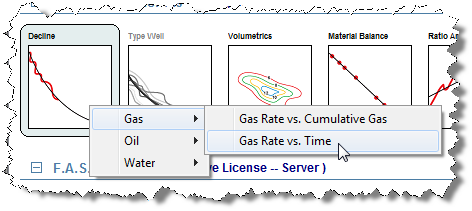
The worksheet opens in the main window, and displays a plot of the selected well's production data. The available worksheets open in the Analysis Manager.

3. Add the multi-segment analysis to the worksheet. See Adding an Analysis for additional information.
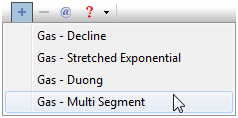
A multi-segment decline will be automatically generated based on your option settings.
4. Best fit the analysis to the data by doing one of the following:
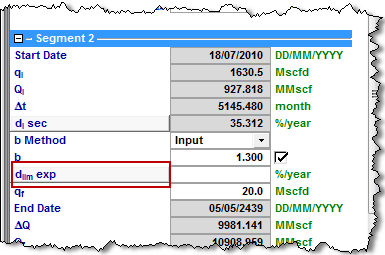
5. Enter a value for the limiting decline rate in segment 2.
Note that this value can be toggled between dlim exp (based on the exponential segment) and dlim hyp (based on the hyperbolic segment).
6. To toggle the dlim value on or off, click the dlim button.