Compacting Project Files
The compacting function reduces the Harmony project filesize by cleaning up the data in the project.
Note: In some cases, compacting a project file can repair a corrupted project file.
To compact a Harmony project file:
1. Click Tools, and then Compact Project File...

The Compact Harmony Project File dialog box opens.

2. Click Browse...
The Open dialog box opens.

3. Locate the file you want to compact, and then click Open.
The filename is displayed in the Compact Harmony Project File dialog box.

Create a backup of the project before compacting — click this box to back up the project before compacting it.
4. Click the Compact button.
When the project is compacted, a message is displayed.
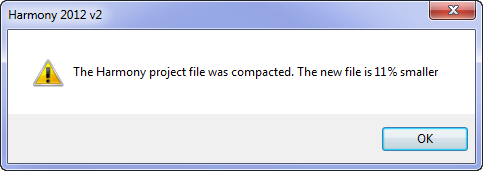
5. Click OK; then Close.