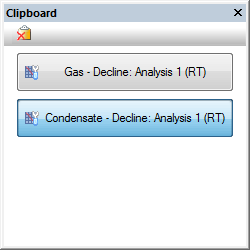
With the clipboard, you can copy and paste data, including analyses, between entities, or within a single entity. You can also copy data from Harmony to Harmony Enterprise.
The clipboard supports:
The clipboard also supports bulk pasting properties to a selection of wells. After selecting wells in the Entity Viewer, dragging a clipboard item to one of the selected wells pastes the copied properties to the entire selection.
When you copy data to the clipboard, the Clipboard docking window opens, and data is displayed within the pane as a button.
IHS Harmony Enterprise™ 2017.1 | Last revised: March 27, 2017
Copyright © 2017 IHS Inc.