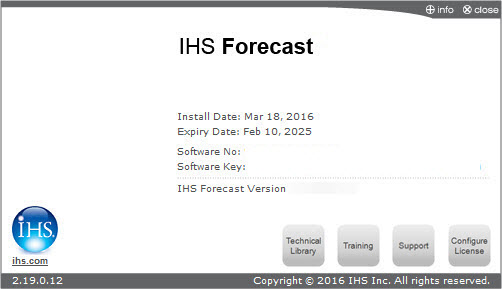
This dialog box is commonly used when you access the Licensing dialog box.
At the top, the name of your licensed module is displayed along with any warnings or errors (if applicable). Beneath this, the following information is displayed: installation date of the license, license expiry date, software number, software key, and the version of the software. Further information about Engineering Training Courses hosted by IHS can be found by clicking the Training button, and our public technical library can be accessed by clicking the Technical Library button. Contact information for customer support can be found by clicking the Support button.
If no active license can be found, the license module status is displayed as “No valid License could be found for Forecast (27)”.
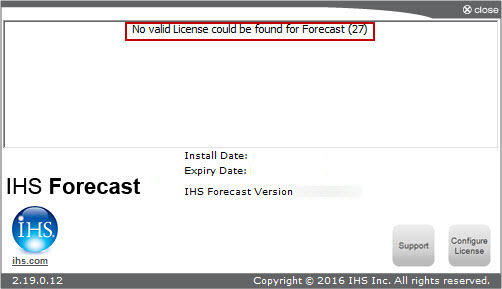
The license wizard can be accessed by clicking the Configure License button at the bottom of this dialog box. For information on how to use the wizard, see the Installation Guide on our Download Software web page (opens in a new window).
IHS Harmony Enterprise™ 2017.2 | Last revised: July 10, 2017
Copyright © 2017 IHS Markit Ltd. All rights reserved.