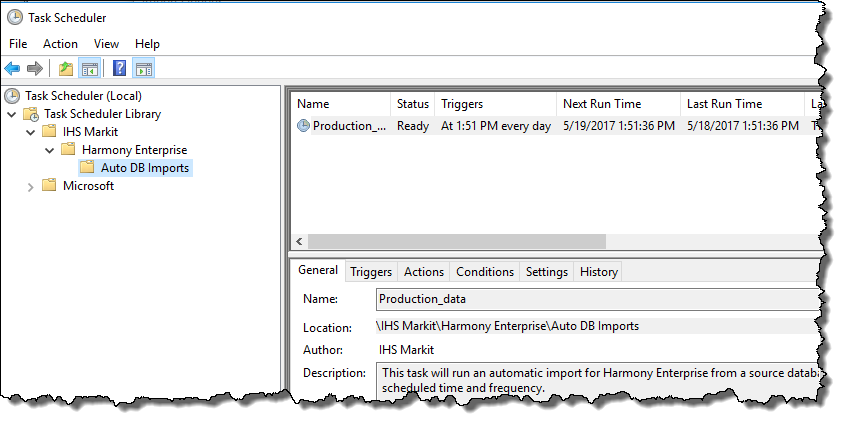
The Windows Task Scheduler is commonly used when setting Auto Import options in the Import Options dialog box.
To use the Task Scheduler:
- Type a name for your task.
- Set a start date and time.
- Select the frequency of the task from the drop-down list (that is, daily, weekly, or monthly).
- To rename your task, type a new name in the Task Name field, and click Save Task.
- To save your task, click Save Task.
- To delete your task, click Delete Task. (You are not prompted to confirm your decision.)
When your task is scheduled, you can preview it in the Task Scheduler.