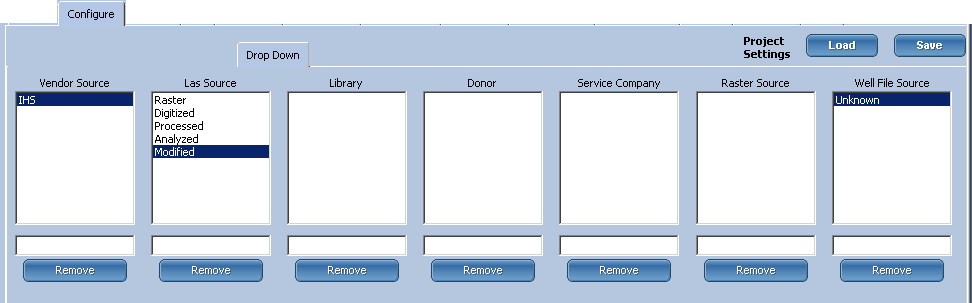
Drop Down
The Drop Down configuration is used to create the lists that appear in the LAS Load Configuration tab and includes the following categories:
- Vendor source
- LAS source
- Library
- Donor
- Service company
- Raster source
- Well file source
To configure a data source
- In LOGarc Utilities, select the Configure tab.
- Select the Drop Down Configuration tab.
- In the text box below a category, enter the text for the new drop-down item. The button will change from Remove to Add
- Click Add.
The entered item is displayed in the selected category.
- To delete an item from the drop-down-list, select the item and then click Remove.
 Related Topics

IHS Markit™