Entering default link costs
Default link costs include material and labor costs.
To enter default link costs:
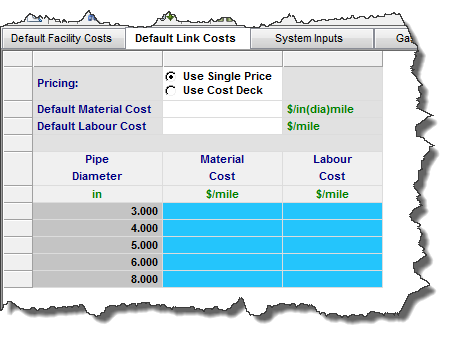
1. To apply default link costs to all links, click the Default Link Costs tab:
- Select Use Single Price to apply material and labor costs as default values (applicable to all pipeline diameters), then enter the Default Material Cost and the Default Labour Cost.
- Or, select Use Cost Deck and enter the material and labor costs for specific link diameters in the Pipe Diameter table.
2. To apply link costs to individual links, click the Pipelines menu and select GatheringSystem. Enter the cost data in the applicable column of the editor (Material and / or Labour Cost, and Capital Cost Date).
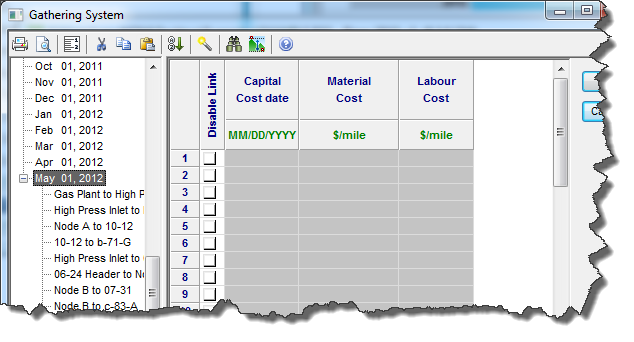
| Note: | Costs applied on an individual basis override costs entered in the Default Link Costs tab. |