Entering system inputs
The System Inputs tab contains economic parameters that apply to the gathering system as a whole.
To enter system input data:
1. Click the System Inputs tab.
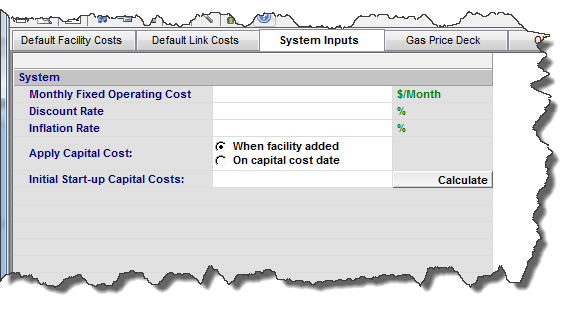
2. (Optional) Enter the Monthly Fixed Operating Cost.
3. (Optional) Enter the Discount Rate based on a percentage yearly basis.
4. (Optional) Enter the Inflation Rate on a yearly basis.
Note: When an economics forecast is run, the equivalent monthly inflation rate is determined from the yearly rate.
5. To apply the capital cost when the facility is added to the model, select When Facility Added in the Apply Capital Cost field.
The facility must be attached to a node to be included in the cost.
Or, to apply the capital cost on the date specified in the respective Facilities editor in the Capital Cost Date column, select On Capital Cost Date in the Apply Capital Cost field.
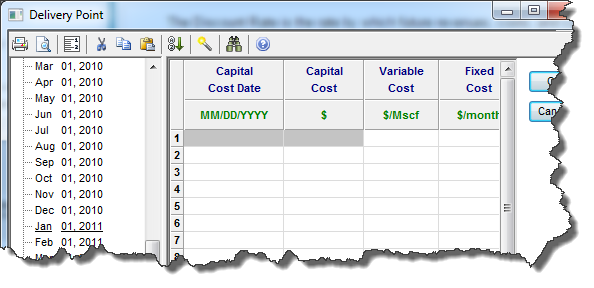
6. To include capital costs of facilities that exist as of the gathering system start date, enter the Initial Start-up Capital Costs.
Or, to automatically calculate total capital costs from values entered in the Default Facility Costs, Default Link Costs, and the Capital Cost column of each of the Facilities menu editors, click the Calculate button.