Define an area to go to
To open Piper to a specified area:
1. From the splash page, select New Project > GIS Mode > Define an Area to Go to.
Or, click the File menu and select > New > GIS Mode > Define an Area to Goto.
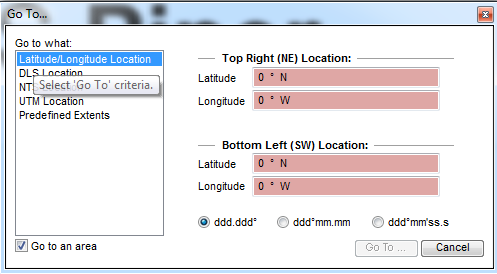
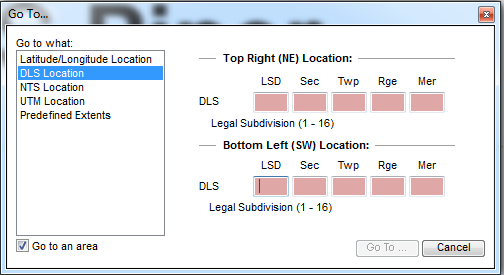
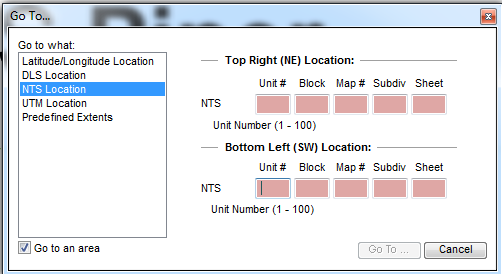
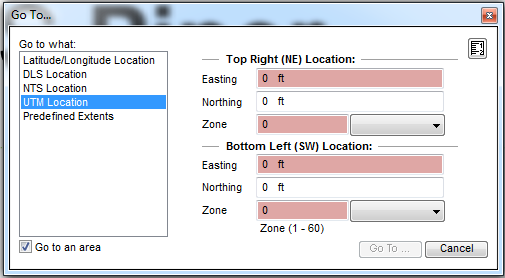
The Go To dialog box opens. You can define the area by:
- Latitude / Longitude Location
- DLS Location
- NTS Location
- UTM Location
- Predefined Extents
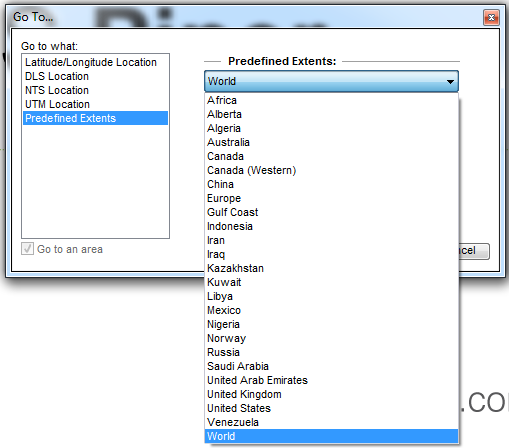
2. Enter the information appropriate to the selection.
The Go To button is enabled.
3. Click Go To.
The map displays the specified extent or location.
For further information on coordinate formats, see GIS coordinates.