Exporting
To export / move your data to a new location on your computer:
1. Click the Export icon ( ).
).
The Save As dialog box opens.
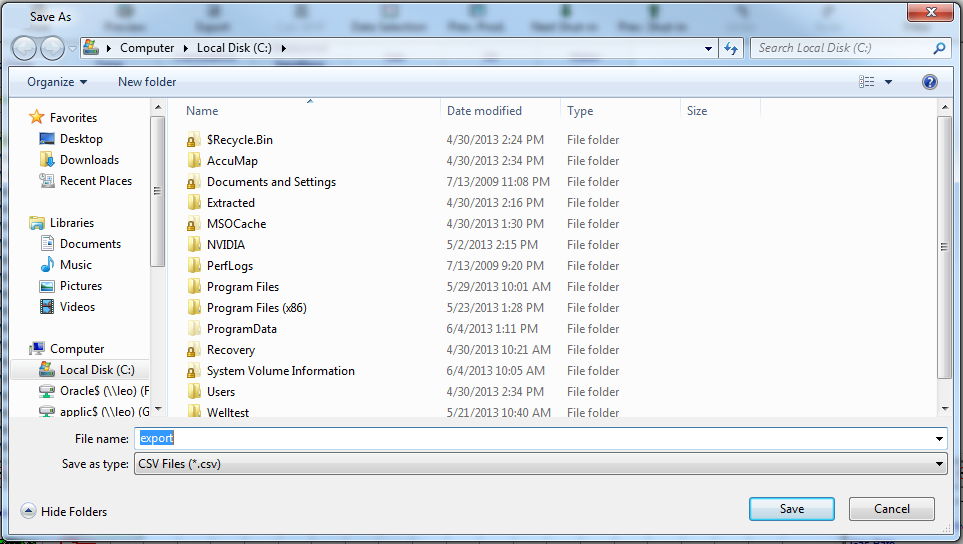
2. Navigate to your export location, and then click Save.