 ), you
can draw zoom extents around the portion of the page upon which to zoom.
), you
can draw zoom extents around the portion of the page upon which to zoom.When a single page is displayed (), you
can draw zoom extents around the portion of the page upon which to zoom.
 To zoom
1. From the View menu, click View
Full Page ().
2. Click and drag
your cursor to draw a bounding box around the portion to zoom.
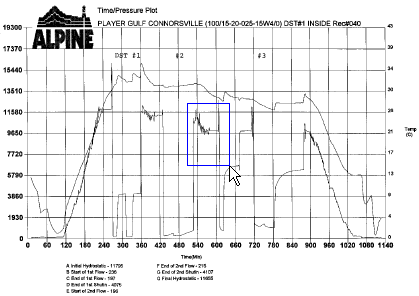
3.
To return to full-page view, from the View
menu, select Refresh Display or
click .
