 To display downhole details
You can display downhole details such as casing, core analyses, dsts, and more.
To display downhole details1. From the Cross Sec menu, select Properties ( ).
).
The Cross Section/Single Log View Common
Properties: Options
dialog box appears.
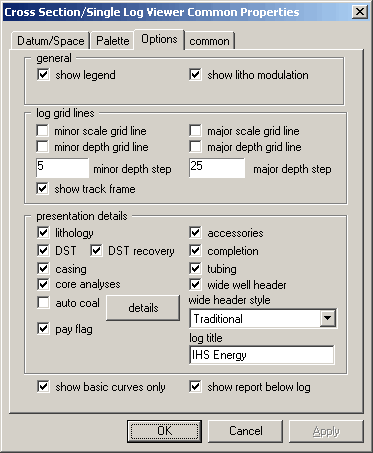
2. Select the Options tab, in the presentation details area select objects to display in the cross section, and then click OK.
 Note:
If there are multiple overlapping DST events in a wellbore, you can clear
this option in the presentation details and simply select show
report below log instead.
Note:
If there are multiple overlapping DST events in a wellbore, you can clear
this option in the presentation details and simply select show
report below log instead.

|
|
