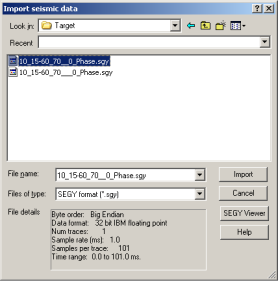
Import and display single-trace and multi-trace seismic data saved in SEGY format. Before importing the file, display it in a stand-alone SEGY Viewer to review its format and contents.
To import seismic data
1. From the File menu, select Import > Seismic.
The Import seismic data dialog box appears.
2. Browse to and select the desired SEGY file.
General file information appears in the File details pane. Click either Import or SEGY Viewer to review more file details before importing.
If
you click SEGY Viewer, the SEGY Viewer
dialog box appears. Click various tabs to view the file data and select
various formats in which to display the data in the viewer.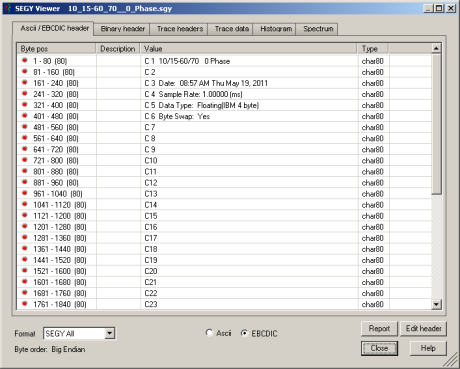
3. When you click
Import, the Set time
and range for
dialog box appears.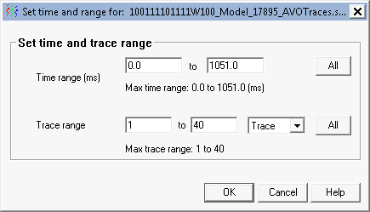
4. Type a time and trace range then click OK.
The trace(s) appears in the main synthetic display.
| Changing Seismic Properties |