Open topic with navigation
Changing derived properties
Generate a trace based on the results of a mathematical
operation performed on two traces in the current synthetic.
To change derived properties:
- From the Edit menu, select Model Properties (
 ).
).
The
dialog box opens.
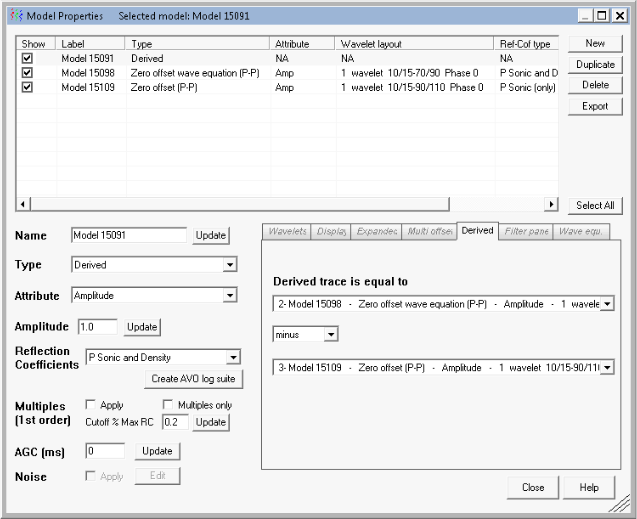
- Select the desired
model(s) in the display pane and select Derivedfrom the Type drop-down
list.
- Using the drop-down
lists in the Derived tab, select the trace and mathematical operator. The result of this equation
becomes the derived trace.
- In the main Model Properties
dialog, click Close to return
to the main synthetic display with the changes applied.
Related topics
Creating models
Open topic with navigation