 on the main toolbar
Import the control path settings and display parameters for everything in a new synthetic except logs from a default file. Log default settings are controlled by a centralized log database with one exception: when you update a default file with settings from the current model. Settings for the logs in the current model are saved to the import defaults file but don't overwrite settings in the log defaults database.
GeoSyn allows you to create unique default files for different projects with differing criteria, or several default files for the same project to switch between for viewing different scenarios. Defaults can either be applied to the current model, or the parameters set in the current model can be applied to a default file that you then save for future use.
on the main toolbar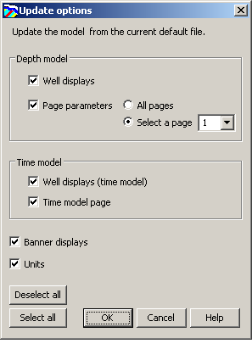
|
Note: |
The nodes in the import defaults file tree displays
settings from the selected file. Nodes can be expanded for viewing current settings. To change the settings, use the
Display Parameters
( |
The current default file is automatically selected the next time you launch GeoSyn and is applied to all future models derived from imported logs.