Deleting a List of Analyses / Worksheets
To delete a list of analyses / worksheets:
1. Select one or more entities (layers, wells, or groups of wells) in the Entity Viewer.
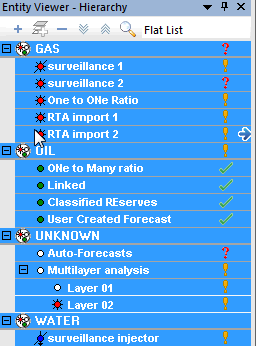
2. Click the Bulk Editor icon ( ) on the toolbar, or click the Tools menu and select Bulk Editor.
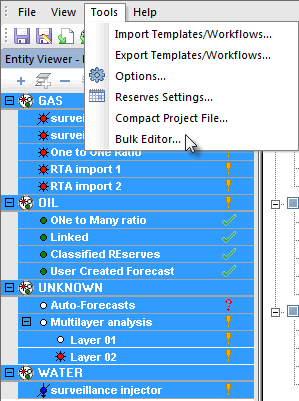
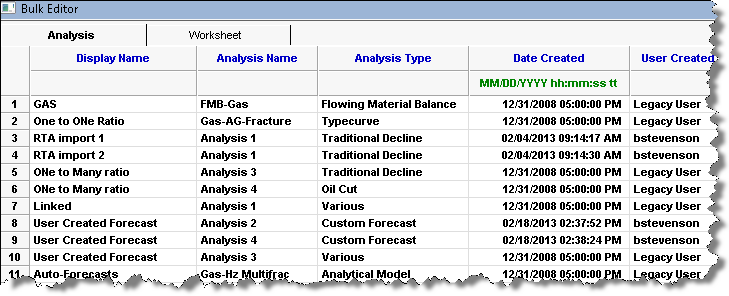
The bulk editor opens a grid (table) populated with all of the analyses contained within the selected entities.
3. If you select the Worksheet tab, a new grid opens with all the worksheets contained within the selected entities.
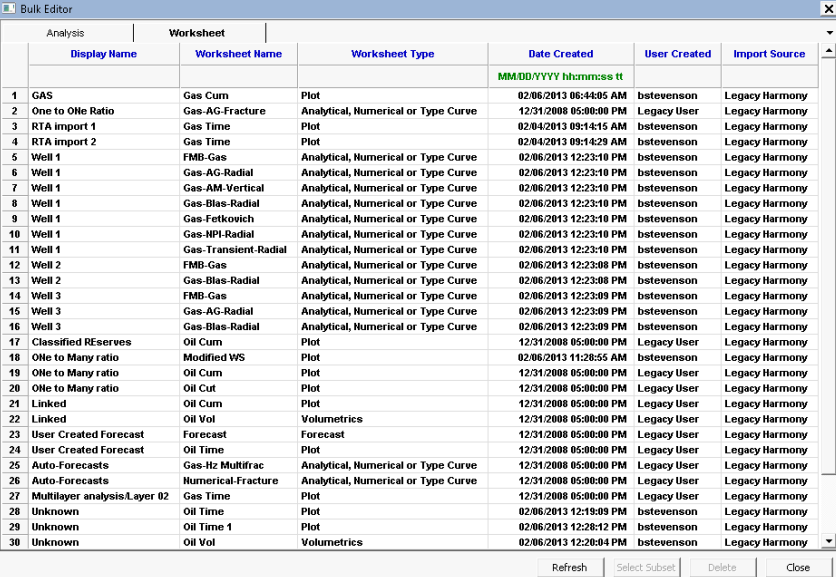
4. Highlight the rows that you want to delete. To facilitate the selection of items, the grid can be sorted by clicking the rows you'd like to delete, and then clicking the Select Subset button. (To undo your selection, click the Refresh button.)
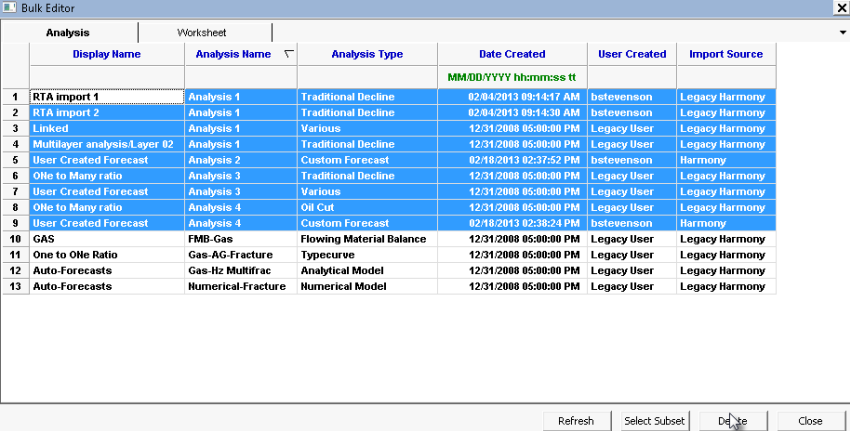
5. Click the Delete button.
A warning is displayed advising you that the deletion is permanent.
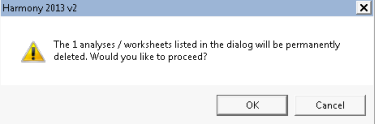
6. To confirm the deletion, click OK.
Note: If the deletion fails, the items will remain in the grid, but will be displayed with a red font. This situation may occur due to a background system error. If this occurs, contact Technical Support with the log of errors shown in the Status Window.