Creating a Workflow
In addition to using the default workflows, you can create your own custom workflows consisting of the worksheets and analyses that are best-suited to your wells and working methods.
The following analysis methods cannot be included in a workflow (since they require user input during their creation):
- Forecast Consolidations
- Oil Cut Forecasts
- Ratio Forecasts
- WOR Forecasts
1. Launch an entity for analysis.
2. Create the worksheets you want to include in the workflow.
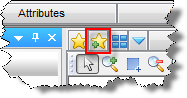
3. Click
the Create Workflow icon ( )
in the Analysis tab:
)
in the Analysis tab:
The Create Workflow dialog box opens, containing the worksheets and analyses you selected.
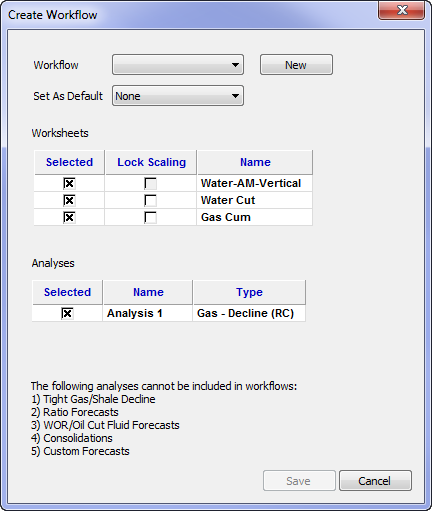
4. Click the New button.
The New dialog box opens.
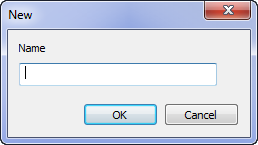
5. Enter a name for the workflow; then click OK.
6. Click Save.