 To change map scales using AccuX
Vision
To change map scales using AccuX
VisionYou can type a specific value in the AccuX Vision dialog box to change your map scale.
To change map scales using AccuX
Vision
1. In the
left toolbar, click AccuX Vision
( ).
).
The Setup AccuX Vision
dialog box appears.
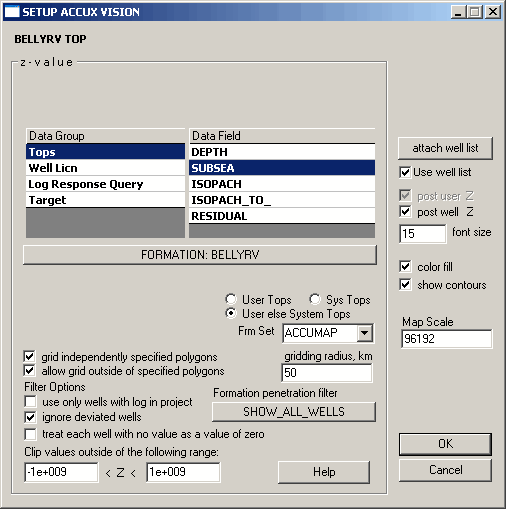
2. In the Map Scale box, type the desired value and then click OK.

|
|
