 To display grid lines
You can display horizontal and vertical grid lines on a log to facilitate analysis and presentation.
To display grid lines
1. From the Cross Sec menu, select Properties ( ).
).
The Cross Section/Single Log View Common
Properties: Datum/Space
dialog box appears.
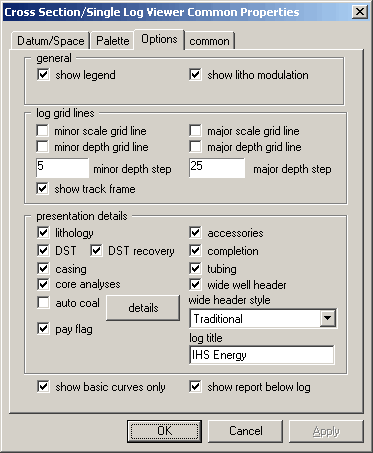
2. Select the Options tab, in the log grid lines area select depth grid lines for horizontal grid lines and scale grid lines for vertical grid lines, and then click OK.

