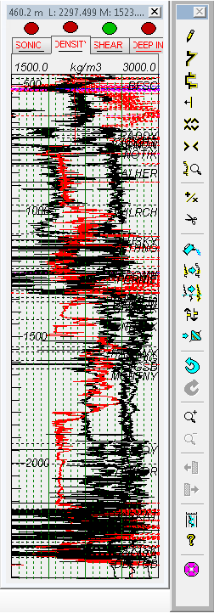
Change the minimum and maximum values that define the scale range for logs.
To change log editor display
1. Right-click the log and select Log editing.
The Log Editor
dialog box appears.
2. In the toolbar
beside the Log Editor,
click the Set log editor scales
tool ( ).
).
The Log Editor Display Properties
dialog box appears.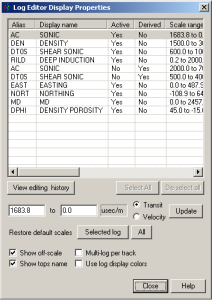
3. In the display pane, select the log and type minimum and maximum scale values in the boxes below the display pane then click Close.
These changes apply to only the current model. To change the default scale for a log in all future synthetics, see Related Topics below.
| Changing Log Definitions |