Entities
An entity can be any one of these types:
- well (i.e., single-layer well, multilayer well, or CBM well)
- layer
- hierarchy group
- custom group
- surveillance group (i.e., field, block, or pattern)
- meter station
Note: For multilayer wells, a layer is also an entity, but it will not have all the characteristics of a well entity.
Entities are displayed differently depending on where they are displayed in the Harmony environment.
In the GIS tab, entities are displayed as icons on the map:
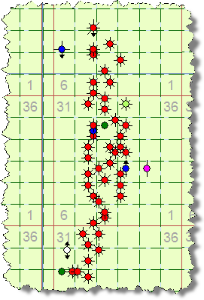
Note: For information on the icons used to represent entities, see Legend.
In the Entity Viewer panes, individual wells are displayed as icons followed by their unique well identifier:
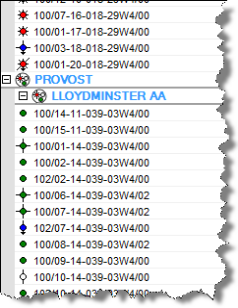
Note: For information on the icons used to represent entities, see Legend.
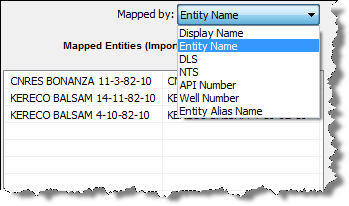
In the Map Entities dialog box, individual wells are displayed according to the option you select in the Mapped by drop-down list:
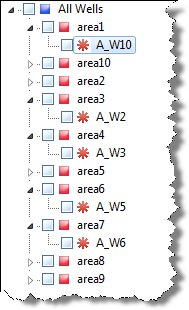
In the Database Connection Tool Well Tree (similar to the Entity Viewer) individual wells appear as an asterisk followed by the well name: