Querying Wells
By querying wells, you can search the Entity Viewer for wells with specific attributes. You may use any combination of attributes to locate a subset of your wells, and you can save your searches for re-use.
To query wells:
1. Click any well in the Entity Viewer; then click the Attributes tab.
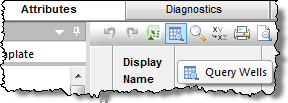
2. Click
the Query Wells icon ( ).
).
The Query Entities dialog box opens.
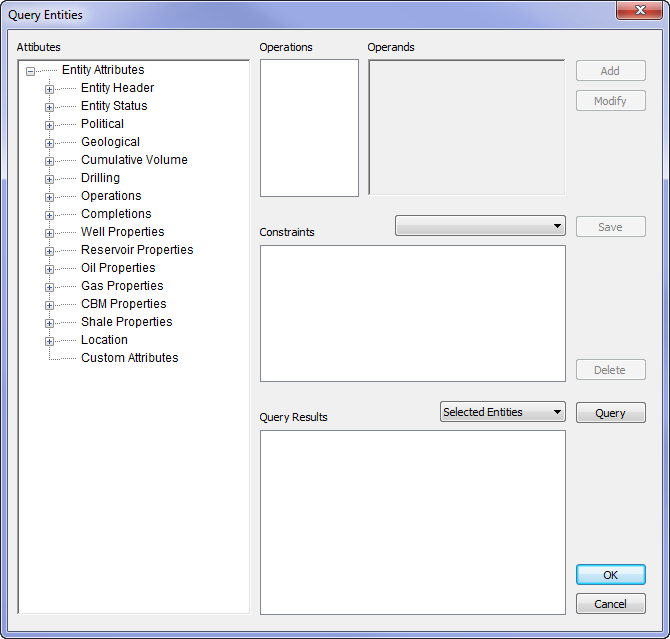
3. Select an attribute, an operation, and then enter (or select) an operand.
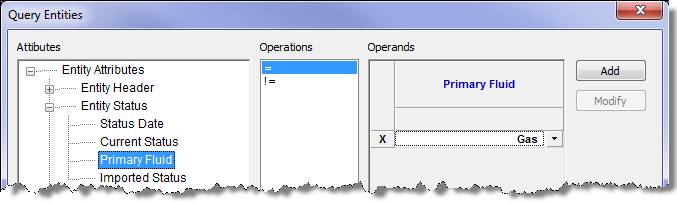
4. Click Add. Your selection is added to the query.
- To modify a query constraint: select it in the Constraints box, modify its operation and/or operand, then click Modify.
- To delete a query constraint: select it, and click Delete.
- To save the query: click Save, assign a name, and then click Save. The query is displayed in the Query drop-down menu.
5. Select the source of the wells you want to query:
- All Entities — queries all wells in the project.
- Selected Entities — queries only the wells selected in the Entity Viewer.
6. Click the Query button.
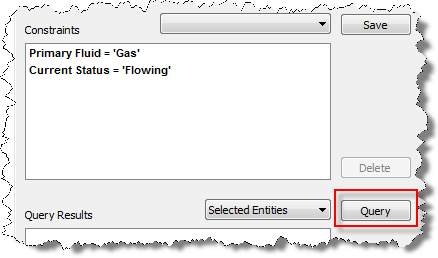
Wells matching your query are displayed in the Query Results box.
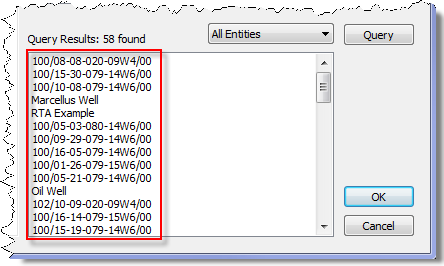
7. Click OK.
The wells are highlighted in the Entity Viewer - Hierarchy pane where you can create a custom group of these wells, which are displayed in a table under the Attributes tab.