 Click to show / hide an example screenshot
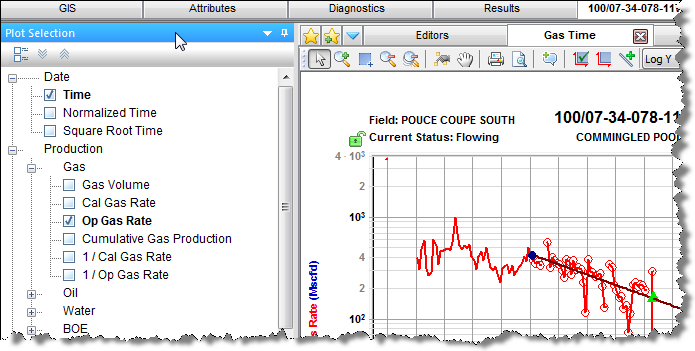
By default, this pane opens in a tab to the right of the Analysis Manager while a worksheet is in focus. For a description of common icons, see toolbars.
To add / remove plot axes:
To customize datasets / categories:
Whenever you modify a custom dataset or category in the Production editor (add, delete, rename, or update a formula), these changes are reflected in this pane. In order to see renamed items or formula changes from other users, you need to click the Refresh icon on the main toolbar.
IHS Harmony™ 2016b Multi-User | Last revised: October 19, 2016
Copyright © 2016 IHS Inc.