 To clip Z Values
You can set the range of contour intervals to color and clip Z values outside that range.
To clip Z Values
1. In the
left toolbar, click the AccuX Vision
button ( ).
).
The Setup AccuX Vision
dialog box appears.
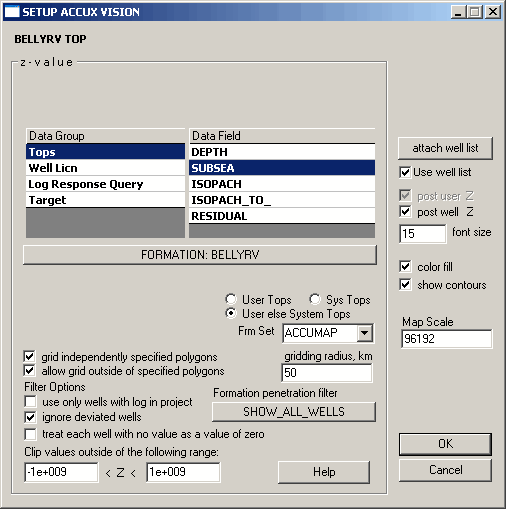
2. Type values outside of which to ignore in the Clip values outside of the following range boxes.

|
|
